


Choose the source
Open the page, dataset, or workflow you want to process.
Choose focused Chrome extensions for screenshots, Shopee research, form automation, and SOP recording.
Each extension completes one browser workflow from input to export.
Turn a natural-language request into a reviewable capture plan, then edit and export the result from one local-first workspace.
View product →Describe the products or reviews you need, review the supported action plan, and keep the resulting research organized locally.
View product →Capture steps locally, describe the guide you want, review the proposed actions, and export polished documentation.
View product →Map CSV or Excel columns to form fields, review every run, and keep source data on the current device.
Join preview →CTC tools keep immediate work, settings, and saved data in the surface that fits each job.
Open the page, dataset, or workflow you want to process.
The popup shows the next action, current state, and valid controls.
Save standard files or manage larger results in the data workspace.
Every product page explains what the extension does, which sites it can access, what stays local, and where Pro changes the workflow.
One dominant job instead of a crowded browser utility suite.
Permissions map to visible product functions and documented data use.
Screenshots, datasets, and documents use standard export formats.

Review the method, tradeoffs, permissions, and safe operating boundaries.
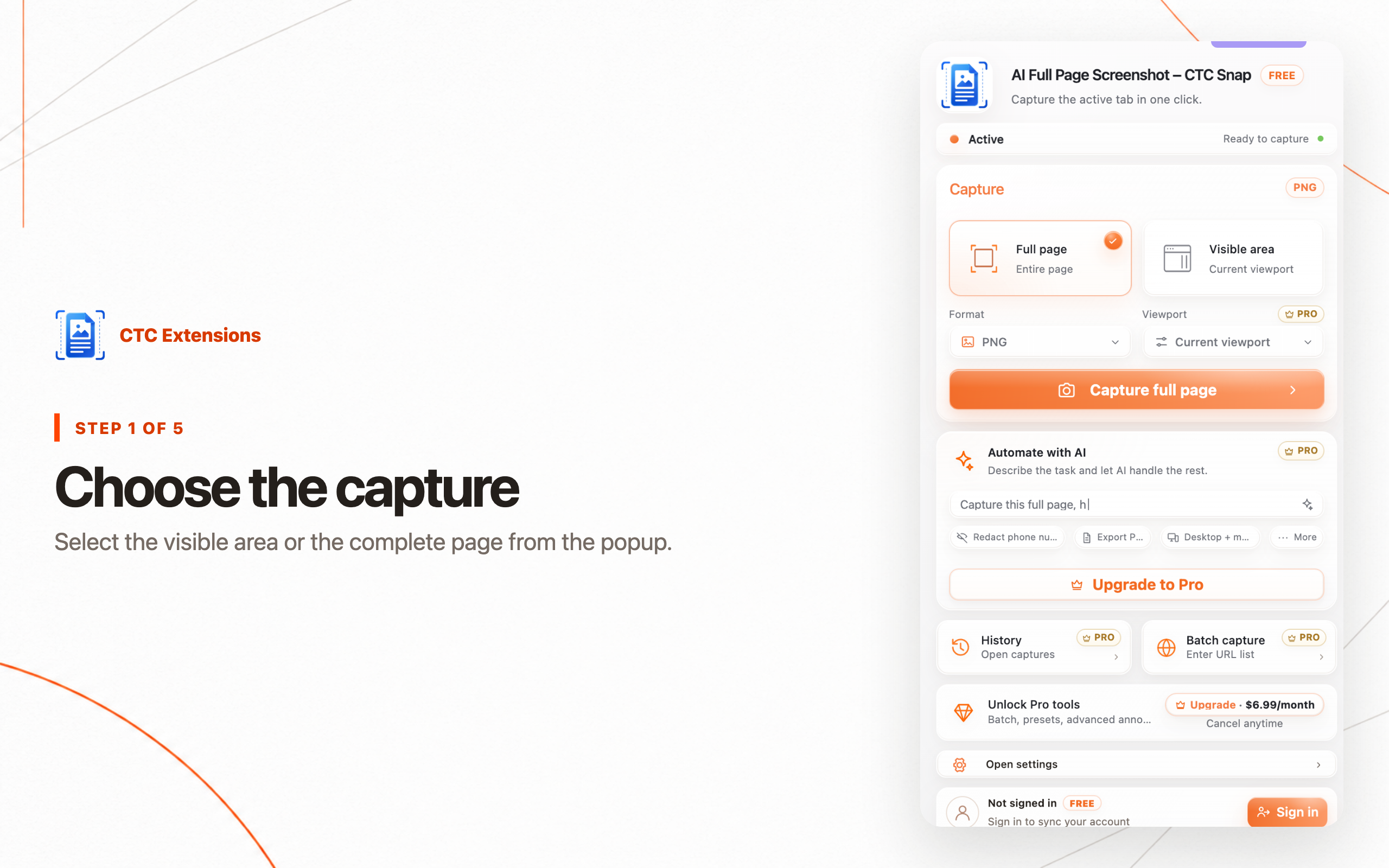
Compare the best full page screenshot Chrome extensions for complete-page capture, local editing, redaction, PDF export, batch URLs, and privacy.
Read the guide →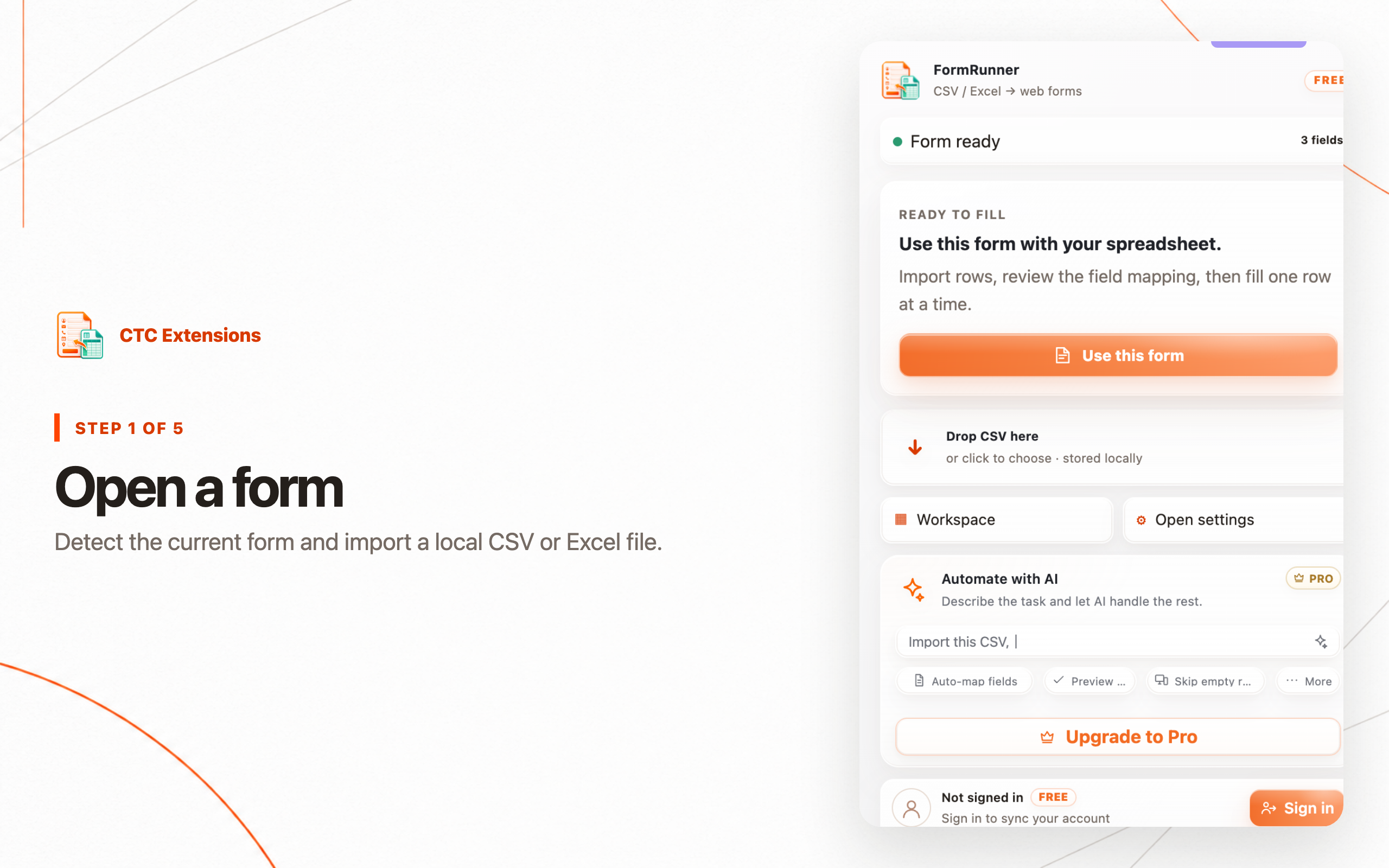
Compare Chrome form filler extensions for CSV and Excel imports, field mapping, manual review, safe submission, local history, and repeatable data entry.
Read the guide →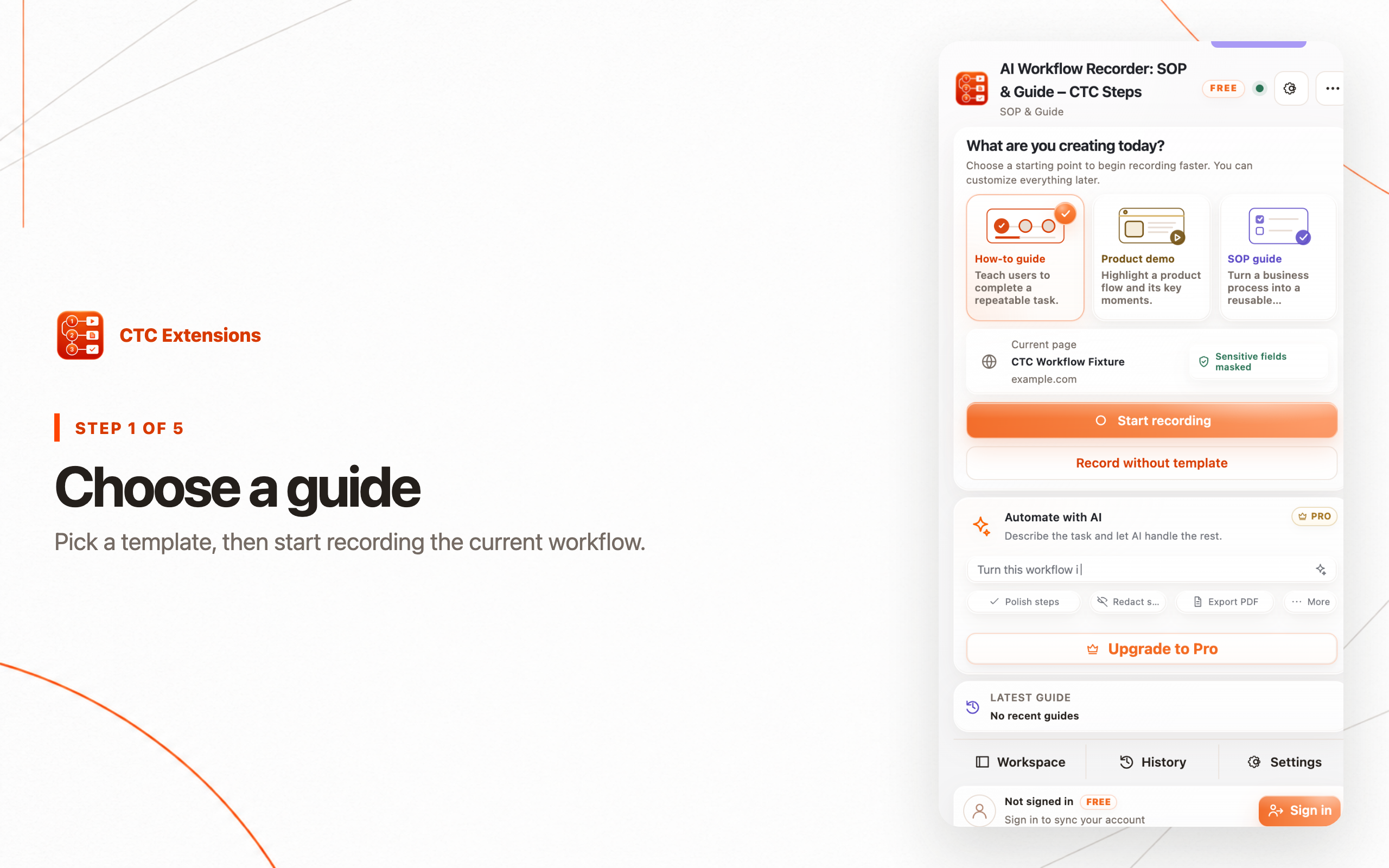
Compare SOP Chrome extensions for browser workflow capture, screenshots, redaction, local export, enterprise sharing, interactive guidance, and video.
Read the guide →